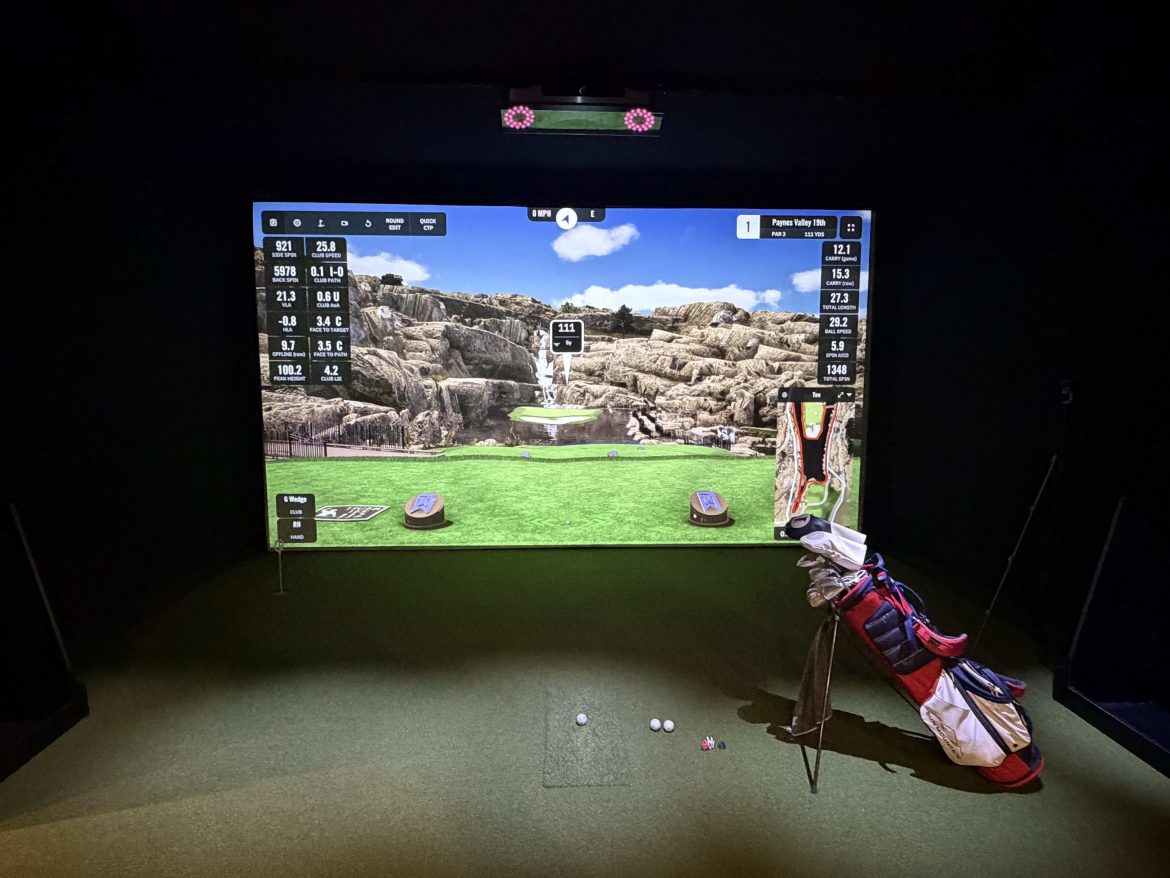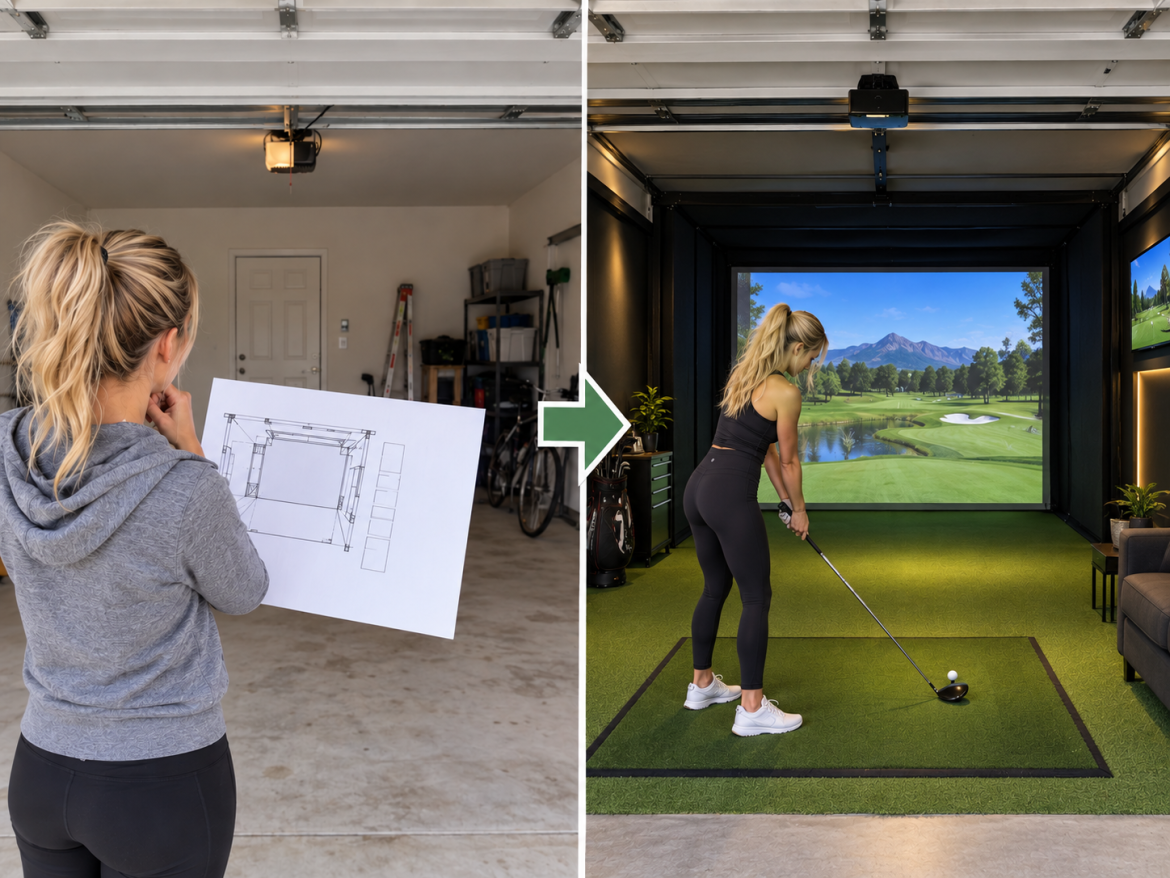
We’re putting together a growing collection of fun, free golf wallpapers for anyone who loves indoor golf and the game in general. You’ll find indoor golf simulator scenes, golf inspired backgrounds, creative designs, and other images that just look great on your computer, tablet, or phone. Every wallpaper on this page is free to download and use for your personal devices. We’ll keep adding new designs, so check back from time to time and see what’s new.
At first glance, indoor golf seems pretty simple. You book a bay, grab your clubs, step up to the ball, and hit. The simulator does the rest. But anyone who has spent time at a good indoor golf facility knows there is more to it than hitting a ball into a screen. A good simulator is certainly important. It needs to track your shots accurately, offer realistic courses, and give you useful feedback. But technology is only one part of the experience. The environment, the people, the games, and the reasons you have to come back all matter too. So, what actually makes an indoor golf experience worth coming back to? The Simulator is Only the Starting Point Let’s start with the obvious one: the simulator itself matters. Modern launch monitors can provide golfers with data such as ball speed, spin rate, launch angle, and other details about a shot.…
Building an indoor golf simulator has gotten a lot more affordable. You can put together a basic garage setup for a few thousand dollars, while a really nice dedicated simulator room might cost $10,000 to $20,000. Go with an overhead launch monitor, custom enclosure, 4K projector, finished flooring, and acoustic treatment, and you can easily spend $25,000 or more. The bigger question isn’t how much you can spend. It’s where you should spend it. I’ve seen people focus almost entirely on the launch monitor and treat everything else as an afterthought. That’s usually backwards. A great launch monitor doesn’t fix a ceiling that’s too low, a projector that doesn’t fit the room, or a hitting mat you hate standing on. So before shopping for equipment, start with the room. Measure the Room Before You Buy Anything Ceiling height gets most of the attention, and for good reason. Around 9 to…
Yes, practicing on a golf simulator can make you a better golfer. But that doesn’t mean shooting 72 on a simulator means you’re ready to shoot 72 at your local course. There are parts of golf that translate extremely well from a simulator to the course. Ball striking is probably the biggest one. You can also get much better at knowing your distances, working on your swing, and controlling wedges. Other parts don’t translate nearly as well. A perfectly flat hitting mat doesn’t prepare you for a ball sitting below your feet. Simulator putting isn’t the same as reading an actual green. And no launch monitor can completely recreate standing over a five-foot putt when you’ve got a good round going. That’s why I think the best way to look at a golf simulator is as a very good practice tool, not a replacement for playing golf outside. Simulator golf…
The FlightScope Mevo+ is in an interesting spot right now. FlightScope is winding down sales of the Mevo+ and replacing it with the newer Mevo Gen2. Normally, that would make me hesitant to recommend buying older launch monitor hardware. At $1,099, though, the Mevo+ deserves a serious look. You’re getting a radar-based launch monitor with a large amount of ball and club data, indoor and outdoor use, golf simulator support, and no required annual FlightScope subscription for the basic functionality. There are some catches. The Mevo+ needs considerably more room than a camera-based launch monitor. The battery and Micro-USB charging system feel dated. Short-game performance can be more demanding to set up correctly. And because this is remaining inventory, I’d verify exactly what you’re getting before ordering. If your room works for it, however, I think the current price makes the Mevo+ one of the more interesting launch monitor deals…
The FlightScope Mevo Gen2 is one of the more interesting launch monitors available right now for golfers who want something they can use both at home and at the driving range. At $1,299, it gives you a lot for the money. You get detailed ball flight information, indoor golf simulation, chipping and putting, video features, around six hours of battery life, and a lifetime license for eight E6 Connect golf courses. You can also upgrade the Mevo Gen2 later if you decide you want more advanced club data. There is one big thing you need to understand before buying one though. The Mevo Gen2 uses radar and sits behind the golfer. That means you need enough room behind the ball and enough ball flight in front of the ball for it to work properly indoors. For some home golf simulator rooms, that will be the deciding factor. The Mevo Gen2…