
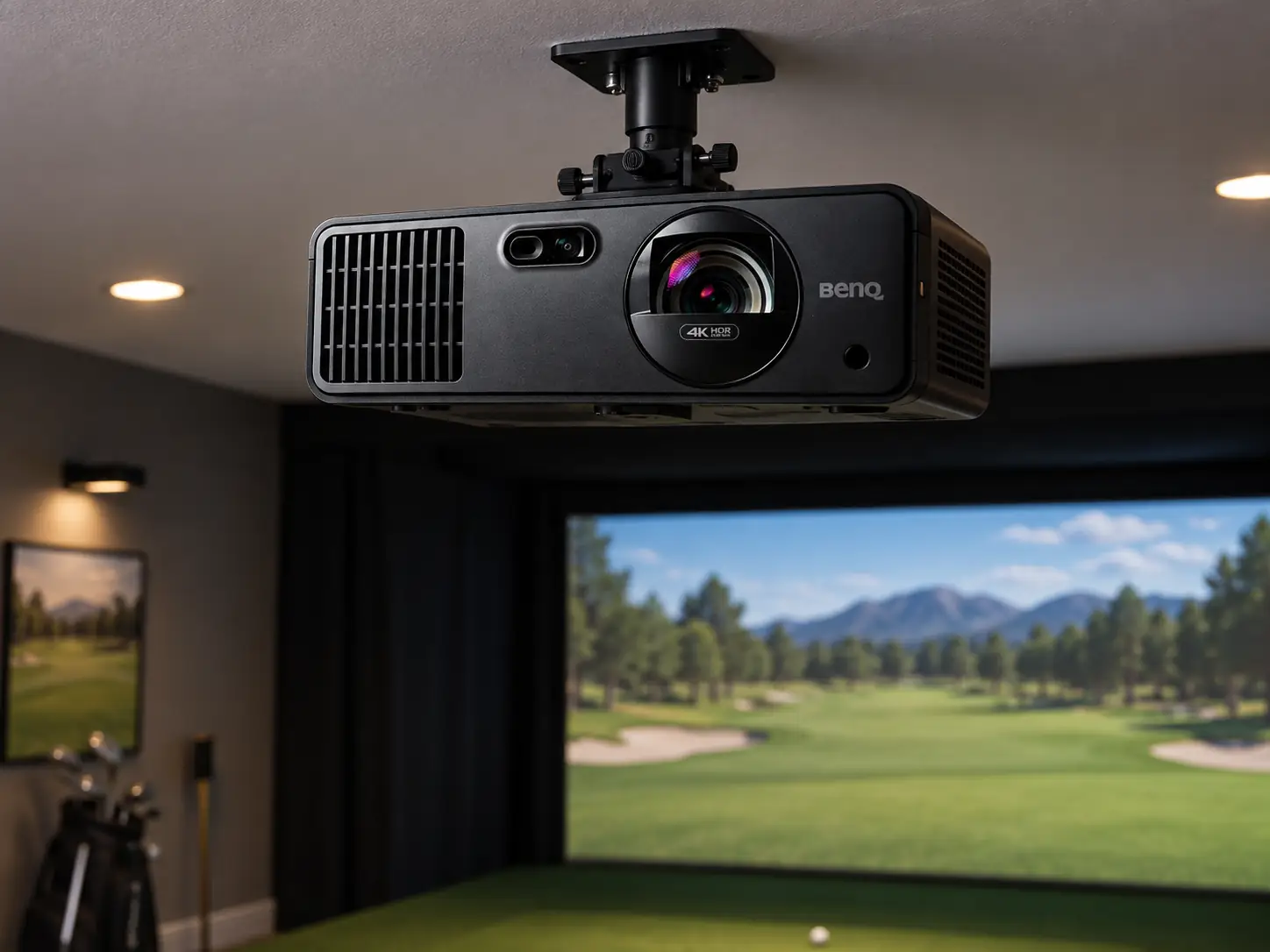
The BenQ AK700ST is a good fit for a home simulator that needs a bright 4K picture but does not need the big lens shift of BenQ’s higher-priced installation models.
Its Auto Screen Fit and motorized zoom can make final alignment less tedious.
They do not remove the need to measure the room before you buy it.
I would look at this model if the bay has a sensible ceiling position near the screen centerline, a PC capable of driving the course software at 4K, and a screen large enough to show the extra detail.
If the projector has to sit far off-axis, the LK936ST is easier to place without leaning on digital correction.
The Useful Combination Is 4K and a Short Throw
The AK700ST’s official specifications list 3840 × 2160 resolution, 4,000 ANSI lumens, a laser light source, and a 0.69–0.83 throw ratio.
On a ten-foot-wide image, the lens would start roughly 6.9–8.3 feet from the screen.
The exact position depends on zoom, image shape, and installation tolerances.
That distance can keep the projector closer to the screen than the LK936ST while leaving room to hit behind it.
It does not automatically eliminate shadows.
A golfer who moves the ball forward, a high ceiling mount, or a narrow bay can change where the beam passes.
Tape out the ball and proposed lens locations, then make full swings before committing to the bracket.
Brightness Has a Room Limit
Four thousand lumens is useful when the simulator needs some light for setup, putting, and safe movement.
It will still look better if bright windows and ceiling lights are kept off the screen.
A larger image spreads that light over more area, so the same projector may look stronger on a ten-foot screen than on a much wider commercial screen.
Auto Screen Fit Is an Alignment Aid
BenQ promotes Auto Screen Fit, auto focus, and 1.2× motorized zoom on the AK700ST.
These are welcome when the screen is awkward to reach or you change between golf and another use of the room.
You can make a final picture adjustment from the remote instead of repeatedly climbing a ladder.
The wording needs a practical limit.
Auto Screen Fit helps put an image inside the visible screen.
It cannot create missing throw distance, move the physical beam out of a golfer’s path, or replace optical lens shift.
BenQ does not list lens shift for this model.
If the ceiling structure forces the projector well to one side, check how much keystone and corner correction would be needed before assuming the automatic feature will preserve the 4K detail you paid for.
The projector has BenQ’s Screen Fill options for 16:9, 16:10, 4:3, and 1:1 output shapes.
That is useful with the taller and squarer screens many golf enclosures use.
It does not mean every shape uses every pixel on the DLP chip.
Match the PC output and simulator software to the actual screen rather than fill it at any cost.
Curved Screens Need an Extra Check
There is one more specialist feature for curved screens: BenQ lists image warping on the AK700ST.
That could be useful in a purpose-built simulator with a curved impact surface, but its controls have restrictions.
BenQ says Auto Screen Fit, focus, corner fit, and keystone cannot be adjusted once warping is enabled.
Warping is also unavailable after selecting the 16:10, 4:3, or 1:1 Screen Fill modes.
A curved build should be designed around those limits from the beginning, not treated as a later software toggle.
4K Only Helps When the Rest of the Chain Supports It
Fine text, trees, bunker edges, and menus can look more detailed at 4K on a large impact screen.
But the PC has to render enough detail at a frame rate you like, and the software has to send it through an appropriate connection.
A computer that struggles at 4K can make a sharper projector feel slower than a well-balanced 1080p setup.
Price the Graphics Card Too
I would price the PC and graphics card alongside this projector, not after it.
The source device, HDMI cable run, receiver or switch if used, and screen shape all belong in that plan.
If you mostly play on a smaller screen from the hitting position, a 1080p AH700ST may give you the brightness and easier fit you need for less money.
BenQ rates the AK700ST laser for 20,000 hours.
That avoids regular replacement lamps, a welcome feature if the room also serves as a movie or sports space.
It does not excuse a blocked vent or an inaccessible mount.
Leave enough space and an easy way to service the unit.
Installation and Cost
The proposed mount should be checked against the entire room.
Measure the visible impact screen, screen-to-wall stand-off, ball-to-screen distance, lens-to-screen throw, ceiling height, and full swing envelope.
A simulator can satisfy the projector calculator and still fail because a driver crosses the housing or a golfer shadows the image.
Use the room measurements to settle placement before relying on automatic screen fit.
Where the AK700ST Price Lands
Shop Indoor Golf listed the AK700ST at $2,899 on September 16, 2026.
That places it well below the LK936ST’s listed price but above 1080p choices.
The extra spend is easiest to justify for a large screen and a room used for both golf and 4K entertainment.
I would choose the AK700ST when the bay has a clean central mount, you want a strong 4K image, and the automatic setup controls will genuinely save installation effort.
I would step down to AH700ST if the PC or screen cannot show much 4K benefit.
I would step up to LK936ST if the real obstacle is an off-center mount rather than picture resolution.
For an AK700ST layout, I would confirm these points before buying:
- Confirm that the PC can run the simulator at the intended 4K settings and frame rate.
- Check that the visible screen width puts the lens inside the available throw range.
- Place the mount near center without heavy digital keystone.
- If the screen is curved, verify its aspect ratio against the available warping controls.
That short check exposes the situations where a cheaper 1080p projector or a more flexible installation model would be the wiser purchase.
What did you think?
Tap a reaction — no need to write anything.
Thanks for letting us know!
Interested in this?
Leave your details and tell us which applies.

Comments are closed.