
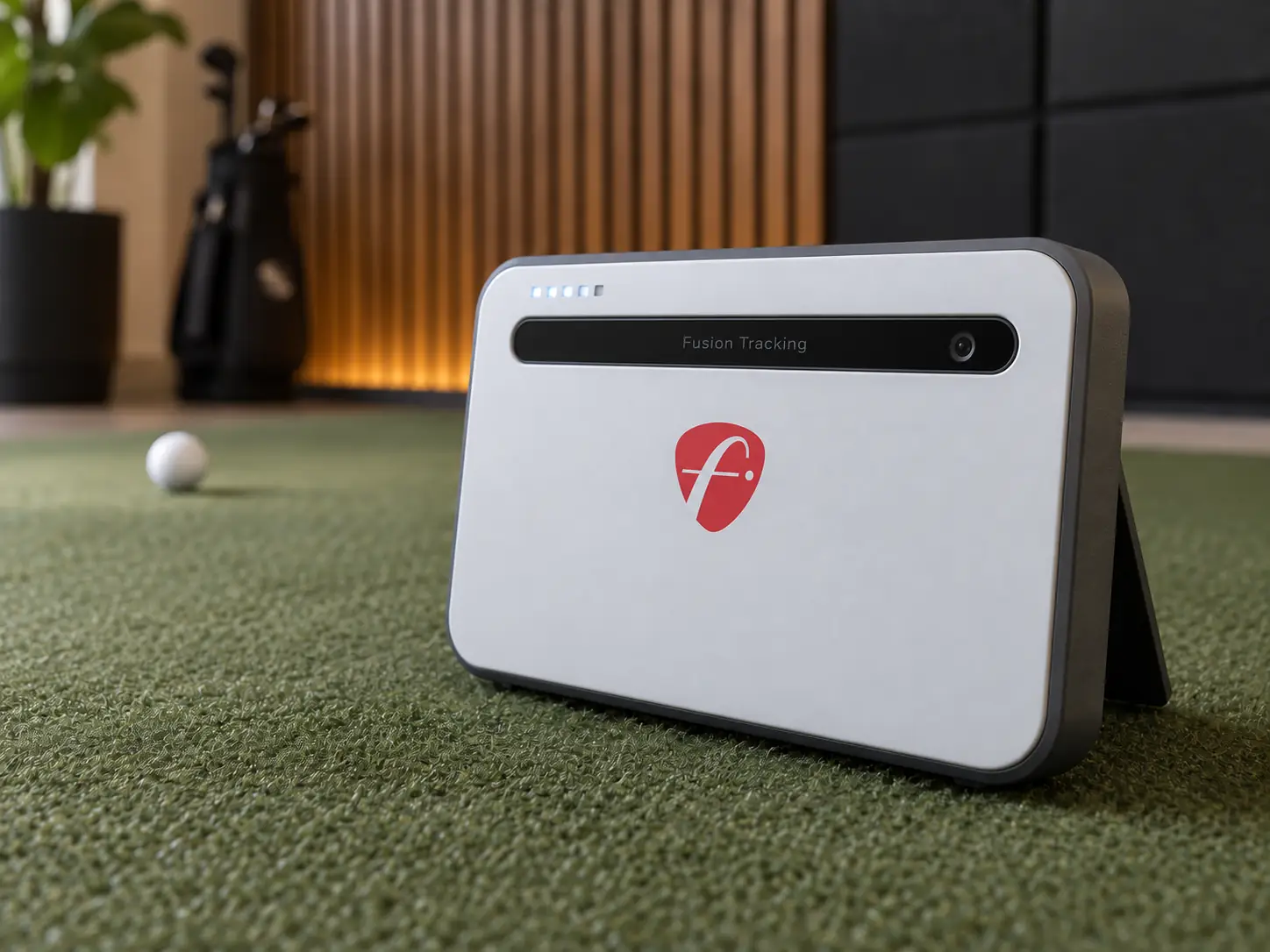
This FlightScope Mevo+ review finds it is still worth buying at $1,099 if you have enough room for radar and want one monitor for practice and simulator golf.
I would not buy it just because the discount looks big.
The real questions are whether you can give it about eight feet behind the ball, at least eight feet of ball flight, and whether you are comfortable buying older hardware near the end of its sales life.
FlightScope says the Mevo+ is in its final sales phase, not abandoned.
The company also says service and software support will continue after the remaining units sell.
That makes the current FlightScope Mevo Plus offer interesting, but the price only matters if the unit works in your room and the standard features are enough for you.
Measure The Room Before You Look At The Price
Room depth is the first thing I would check.
Mevo+ sits behind the golfer, so it needs space on both sides of the ball.
FlightScope calls for roughly eight feet from the monitor to the tee and eight to thirteen feet from the ball to the screen for indoor full swings.
That gives you a radar path of about sixteen to twenty-one feet.
Your room needs more than that once you allow for screen stand-off, the enclosure, and a little protection around the monitor.
You also need enough ceiling height and width to swing a driver safely.
A unit can fit the measurement diagram and still feel awkward in the actual room.
Before ordering, put tape on the floor for these positions:
- The face of the impact screen and the space behind it
- The ball position and full driver swing area
- The Mevo+ position directly behind the ball
- The projector, computer, outlets, and cable routes
- Any doors, fans, heaters, or furniture near the radar path
For indoor spin, you will also need the supplied metallic dots or compatible Titleist RCT balls.
Fans, fluorescent lights, refrigerators, HVAC equipment, and computers or TVs in front of the radar can interfere with tracking.
These are not glamorous details, but they are often the difference between a setup that works and one that becomes a weekly troubleshooting job.
You Already Get Plenty Of Data With The Base Unit
You do not need the Pro Package to make Mevo+ useful.
The standard unit covers ball and club speed, carry, launch, spin, shot direction, spin axis, dispersion, and several other full-swing measurements.
It also has separate chipping and putting modes.
The important step is deciding what you will do with the numbers.
A golfer working on gapping, speed, launch, shot shape, and dispersion can get a lot from the base model.
Someone working with a coach on club path, face angle, dynamic loft, and low point may want the Pro Package later.
FlightScope includes its FS Golf practice app and a lifetime E6 Connect bundle with twelve courses, seventeen practice ranges, and a mini-game for iOS and Windows.
GSPro, Awesome Golf, TGC 2019, Creative Golf 3D, and larger E6 packages are separate purchases.
Those programs may also need a gaming PC that is much more powerful than the laptop you use for email.
There is no required annual FlightScope fee for the core data.
That does not mean the complete simulator is subscription-free, because the software you choose can have its own license or membership.
The Upgrades Can Change The Value Quickly
The $1,099 base price is attractive.
Once you add software, the comparison becomes less obvious.
The Pro Package is currently $599, bringing the hardware and Pro data to $1,698.
It adds eleven fields, including club path, face-to-path, face-to-target, dynamic loft, swing-plane information, and low point.
I think it makes sense for coaching, fitting, or a golfer who already knows why those numbers matter.
It is harder to justify if you mainly want to play simulated rounds.
Face Impact Location is currently $299 by itself, or FlightScope sells it with the Pro Package for $850.
The current FlightScope page says Face Impact Location no longer requires Pro.
Some retailer copy still shows the older requirement and older add-on prices, so confirm the exact combination before checkout.
These are non-refundable digital purchases.
Face Impact Location also needs good lighting around the ball.
FlightScope calls for at least 300 lux in the hitting area.
A dark simulator can still look good on screen while being too dim for the camera-based impact feature to work properly.
Accuracy Is Not One Simple Number
Mevo+ can be a dependable practice tool, but I would not describe every metric as equally accurate in every room.
Two peer-reviewed indoor studies compared it with TrackMan 4 and reached a more useful conclusion than the usual marketing language.
A 2024 study with twenty-nine experienced youth golfers found the strongest results for club speed, ball speed, carry distance, and smash factor.
Spin, launch angle, angle of attack, and spin axis showed more variation.
A 2026 study found good consistency across many measurements, but it also found systematic differences in some values and weak angle-of-attack results with irons and wedges.
For a home golfer, that means averages and trends are usually more useful than arguing over one shot.
Set the monitor up carefully, use dots or RCT balls indoors, and keep the target line consistent.
If a well-struck seven-iron suddenly shows a ridiculous spin number, treat it as an outlier before changing your swing around it.
The Older Hardware Is The Main Compromise
Mevo+ has a battery rating of up to three hours, and FlightScope says simulator use can reduce that to about an hour and a half.
It also charges through Micro-USB.
I would plan to run power to it for longer indoor sessions instead of depending on the battery.
That affects the room.
You may need an outlet behind the hitting area, a protected charging cable, and a way to keep people from stepping on it.
There is no built-in screen, so a phone, tablet, or PC is always part of the setup as well.
None of this makes Mevo+ unusable.
It just feels like older hardware beside Mevo Gen2, which has USB-C and a battery rating of up to six hours.
The Launch Monitor Is Only Part Of The Simulator Budget
A $1,099 launch monitor does not create a $1,099 golf simulator.
You may still need a hitting mat, impact screen, enclosure, projector, projector mount, gaming PC, simulator software, cables, surge protection, lighting, and installation help.
The projector can become its own room problem.
Its throw distance has to match the screen size without placing the projector where a club or ball can hit it.
The computer also needs a sensible location with ventilation and cable access.
If the Mevo+ forces the hitting position farther forward, recheck the projector image and the enclosure depth before buying anything.
I would price the complete room twice.
First price with the base Mevo+.
Then price the version you actually expect to own after adding Pro data, impact location, and your preferred simulator software.
That second number is the honest comparison.
Mevo Plus And Mevo Gen2 Suit Different Buyers
Mevo+ wins on its current price and its larger included E6 course bundle.
Mevo Gen2 costs $1,299, only $200 more than the final-stock Mevo+, and gives you newer hardware, USB-C charging, up to six hours of battery life, and a longer product runway.
Both still need radar space.
Gen2 does not solve a shallow-room problem, so a camera-based monitor beside the ball may be the better choice if depth is tight.
You can review the current FlightScope Mevo Gen2 when that newer hardware is worth more to you than the Mevo+ discount.
My view is straightforward.
Buy Mevo+ if your room is deep enough, the base data already covers your practice, and $200 saved helps elsewhere in the build.
Buy Gen2 if you want better battery life, modern charging, and the newer platform.
If you plan to add every Mevo+ upgrade on day one, compare the full totals before assuming the older unit is the bargain.
My Honest Recommendation
I think the FlightScope Mevo+ is still a good buy for the right room.
At $1,099, it gives you serious practice data, useful simulator compatibility, and no required annual FlightScope fee.
It is not the monitor I would choose for a shallow garage, a putting-first setup, or someone who wants the newest hardware.
Measure the room with tape, decide which data you will actually use, and price the whole simulator.
If those three checks still point to Mevo+, the final-stock discount is real value.
If any one of them fails, spending a little more on Gen2 or choosing a camera-based monitor will probably save you money and frustration later.
What did you think?
Tap a reaction — no need to write anything.
Thanks for letting us know!
Interested in this?
Leave your details and tell us which applies.

Comments are closed.