
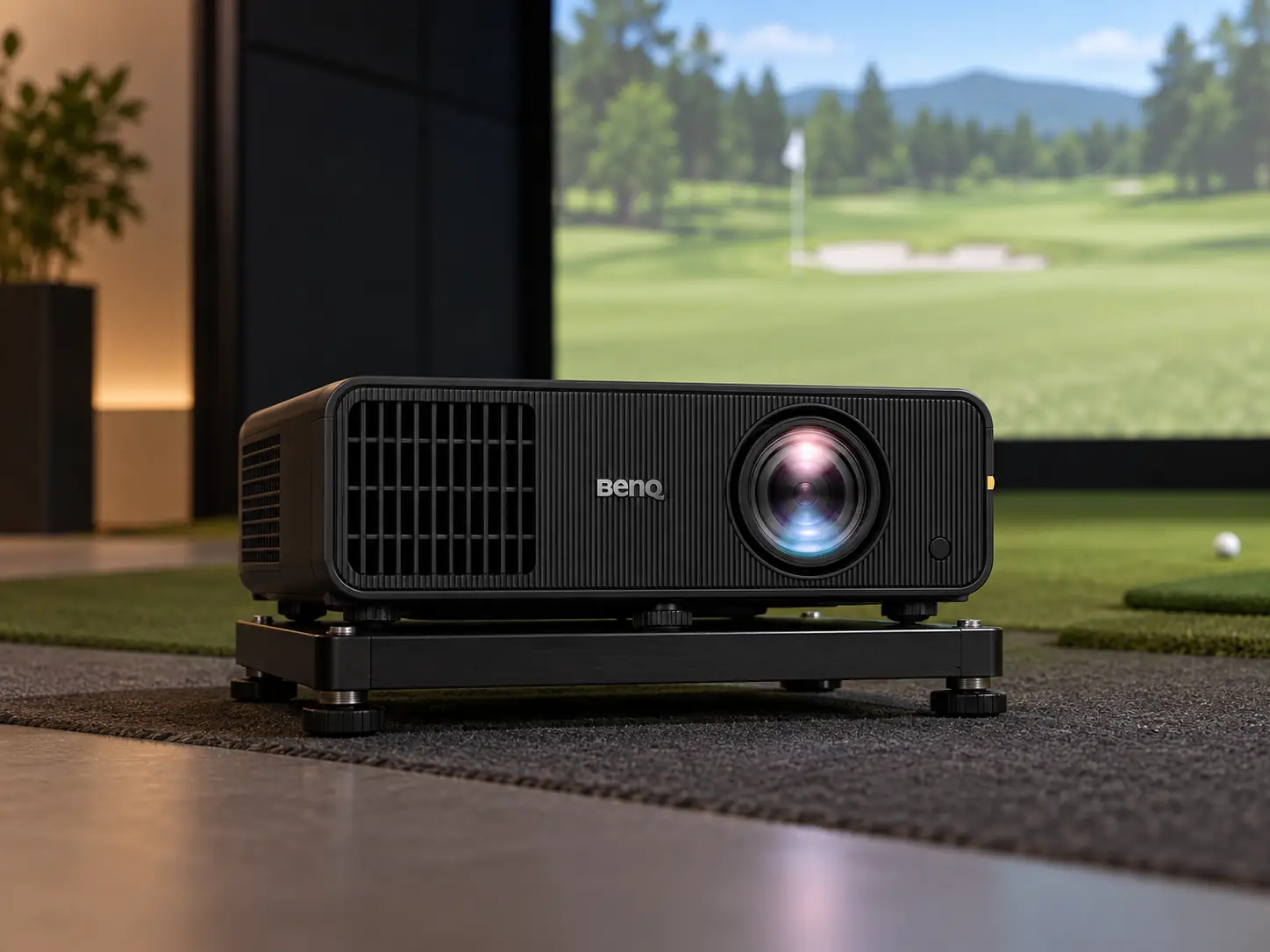
The BenQ AW30ST is a budget-minded golf projector for someone who values simple installation and a lamp-free light source more than fine image detail.
It has a 3,200-ANSI-lumen LED system, short throw, and a native 16:10 image.
The compromise is WXGA resolution: 1280 × 800 pixels are visibly fewer than 1080p or 4K, especially on a large screen.
I would put it on the shortlist for a modest home bay where the projector will be used for golf and the screen is not enormous.
I would choose a higher-resolution model if the room doubles as a movie theater or if small on-screen text matters to you.
WXGA Is the Decision to Make First
The AW30ST specification page identifies the displayed image as WXGA, 1280 × 800.
It is a 16:10 format, which can fit some golf screens better than a wide television-shaped 16:9 image.
BenQ’s Screen Fill options also help adapt the output to 16:9, 4:3, or square screens.
None of those options creates extra pixels.
If you feed the projector a higher-resolution signal that it accepts, it still displays an 800-pixel-tall image.
Course shapes and ball flight will remain clear enough for casual play, but fine grass texture, distant detail, and small menus will look softer than on the TH671ST’s 1080p picture.
That is a reasonable trade if the golfer stands several feet back and the impact screen itself is textured.
It is less attractive if you plan to use the same projector for spreadsheets, small text, or a close-viewing movie setup.
I would decide how the room will really be used before treating the lower price as a win.
A Taller Picture Can Help Some Screens
The aspect ratio helps explain the choice.
WXGA gives a 16:10 rectangle, a little taller than a 16:9 television picture of the same width.
That can suit a simulator enclosure with more height than a cinema screen.
It still will not naturally fill a square or 4:3 impact area.
BenQ’s Screen Fill controls can present those shapes, but they are adjustments to a fixed imaging grid, not a way to make the source resolution sharper.
Throw and Offset Are Friendly to Many Rooms
BenQ lists a 0.72–0.87 throw ratio and 1.2× zoom.
A ten-foot-wide image gives a starting lens-to-screen range of roughly 7.2–8.7 feet.
This is short enough for many home bays without forcing the projector right up against the impact screen.
As always, the actual visible screen width and mount position need to be checked in the room.
The AW30ST’s 100% offset is another useful detail.
It can reduce the amount of tilt needed in some ceiling or low-height installations.
Less tilt usually means less keystone correction and a cleaner image.
It does not guarantee that every low ceiling will work.
The golfer still needs a safe driver swing, and the projector housing must stay out of the club path.
Offset Does Not Replace Lens Shift
There is no optical lens shift listed.
If a joist or garage-door rail forces the mount far off-center, the AW30ST’s keystone and corner tools may not be enough to make it an ideal fit.
A projector with physical lens shift costs more for a reason.
The final beam and golfer positions need a room-specific drawing before the mount is chosen.
A practical mount check is to tape the usable screen rectangle on the wall and the proposed lens point on the floor or ceiling.
Then stand at the planned ball position with a driver.
A full backswing and follow-through reveal more than an empty-room tape measure.
If the club path touches the future housing or the golfer blocks the beam, move the design before buying a mount.
The LED Source Changes Maintenance, Not the Lighting Rules
BenQ uses a 4LED light source and rates it for 20,000 hours in normal mode, 30,000 in Eco.
That removes replacement lamps from the routine budget.
It can be useful for a simulator that is switched on often for short practice sessions, where you do not want to think about a bulb every time.
The 3,200-lumen figure still needs context.
On a modest screen in a controlled room, it gives you a workable picture with some task lighting.
On a broad impact screen with daylight falling across it, the result can look pale.
Turn the brightest fixtures away from the screen and deal with windows before assuming more brightness is the only fix.
Golf Mode Still Needs a Visual Check
BenQ includes a Golf picture mode and color controls.
Those may make a course image more pleasing quickly, but they do not change the projector’s resolution or the room’s contrast.
I would compare the mode with a more neutral setting once the projector is mounted.
Choose what looks natural on your actual impact-screen material rather than trusting a label.
Cost and Better-Fit Alternatives
Shop Indoor Golf listed the AW30ST at $1,199 on September 16, 2026.
The TH671ST was listed lower and offers 1080p detail, but it uses a lamp.
The AW30ST’s extra cost buys the long-life LED source and golf-oriented setup features while giving up pixels.
Spend More Only for a Clear Gain
If the budget can stretch further, the AH700ST brings 1080p and a 4,000-lumen laser with Auto Screen Fit.
That is an easier long-term choice for a frequently used, large home simulator.
If the screen is modest and you mainly want a clear place to aim and watch ball flight, the AW30ST may be enough.
I would pick the AW30ST when the room is controlled, the screen shape suits 16:10, and avoiding lamp replacement matters more than the sharpest image.
I would not put it in an expensive 4K PC build or on a very wide premium screen without looking closely at the visible pixel tradeoff first.
The trade is easiest to remember this way:
- Choose the TH671ST for lower-cost 1080p if lamp upkeep is acceptable.
- Choose the AW30ST for lamp-free use and a 16:10 image if WXGA sharpness is enough.
- Consider the AH700ST for a brighter 1080p golf image when its higher cost fits the complete simulator budget.
These are starting points.
The actual screen size, ceiling, and room light can overturn the simple ranking.
What did you think?
Tap a reaction — no need to write anything.
Thanks for letting us know!
Interested in this?
Leave your details and tell us which applies.

Comments are closed.