
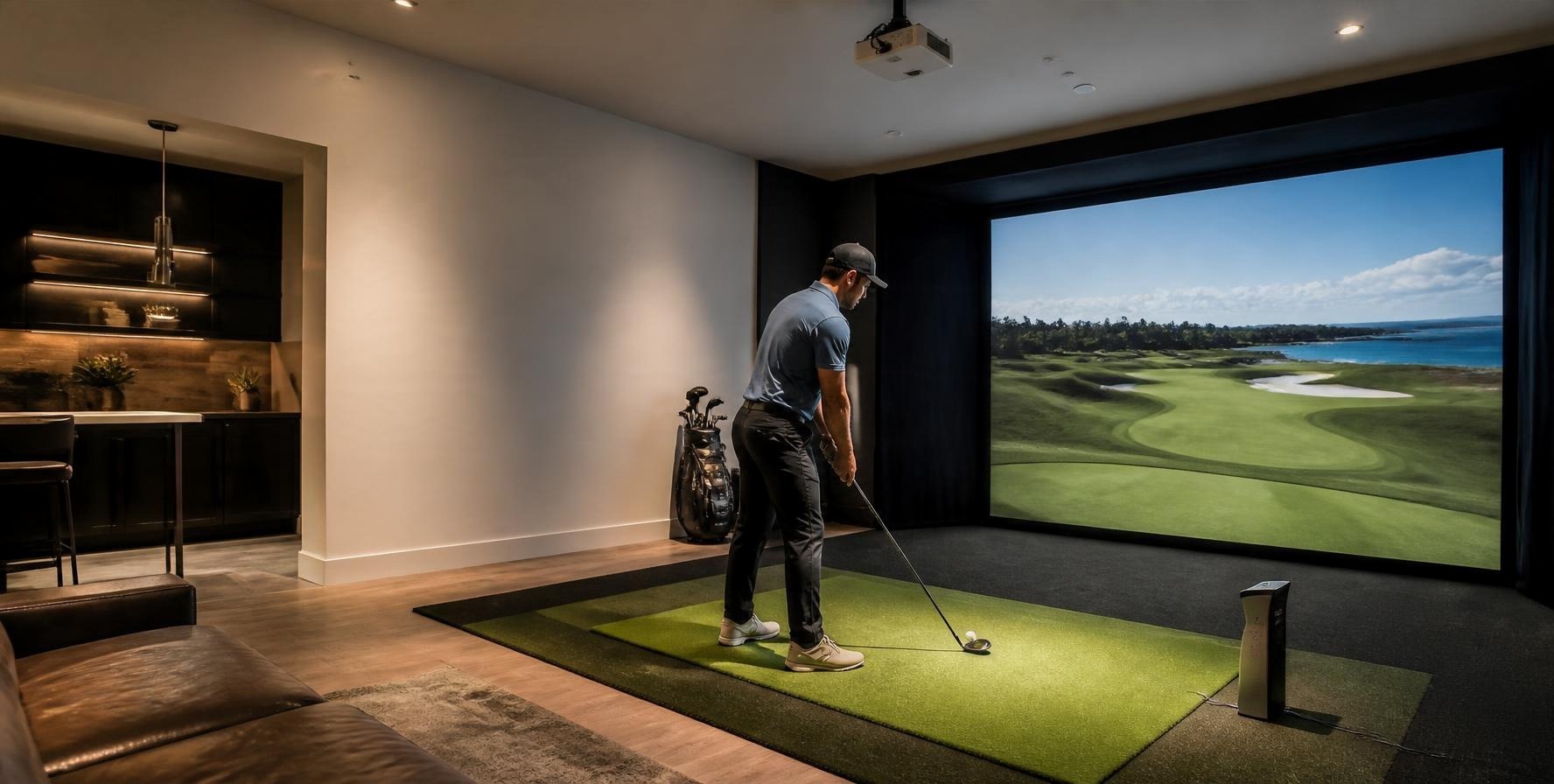
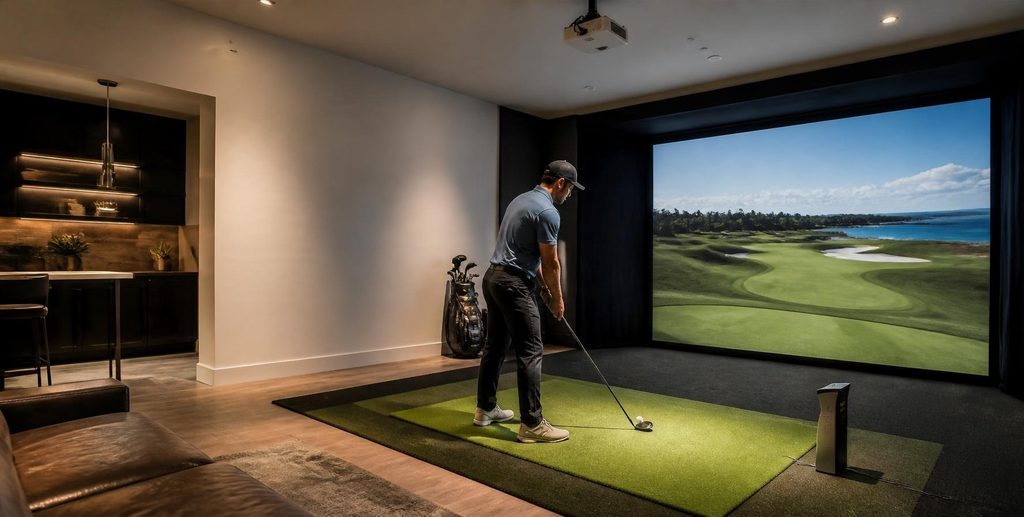
Imagine being able to play a round of golf without booking a tee time, driving to the course, or checking the weather. You could practice your swing after work, play a few holes on a rainy afternoon, or challenge a friend without leaving home.
That’s part of the appeal of having a golf simulator at home.
What was once considered a luxury for professional golfers and serious enthusiasts is now an option for more players. There are different systems, launch monitors, and setup options available, making it easier to find something that fits your space and budget.
But choosing a home golf simulator isn’t always straightforward. Some systems are designed mainly for practice, while others offer virtual courses and a more complete indoor golf experience.
So, what should you look for before buying a home golf simulator?
What Makes Up a Home Golf Simulator?
Before comparing different systems, it helps to know what goes into a typical home golf simulator.
At the center is the launch monitor. This measures what happens when you hit the ball, including information such as ball speed, launch angle, and spin. The measurements are then used to show where your shot would travel.
The simulator software turns that information into a virtual golf experience. Depending on the platform, you might be able to play virtual courses, practice at a driving range, or take part in different games.
You’ll also need a hitting mat and a net or impact screen. The mat provides your hitting surface, while the net or screen catches the ball. An impact screen can also display the virtual course when paired with a projector.
Some setups require a separate computer and projector, while others can use a television, monitor, or tablet.
These components don’t always come in one package. You can buy a complete system or put together your own setup based on what you need.
6 Things to Consider Before Buying a Home Golf Simulator
A home golf simulator is an investment, so it’s worth thinking about how you’ll use it before choosing your equipment. Here are six things to consider.
1. How much space do you have?
Start with your room, not the equipment.
A golf simulator needs enough space for you to swing comfortably and safely. That means looking at the room’s length, width, and ceiling height, as well as the distance between the hitting area and the screen or net.
Ceiling height deserves particular attention.
You might have enough floor space for a simulator, but a low ceiling can make it difficult to swing a driver without worrying about hitting something above you. Your height and swing also matter, especially if other golfers will be using the setup.
The launch monitor’s position can affect the layout, too. Some models sit beside the hitting area, while others are placed behind the golfer or mounted overhead. Check the manufacturer’s space requirements before buying.
If possible, try a few full swings with your longest club before deciding where everything will go.
2. Choose the right launch monitor
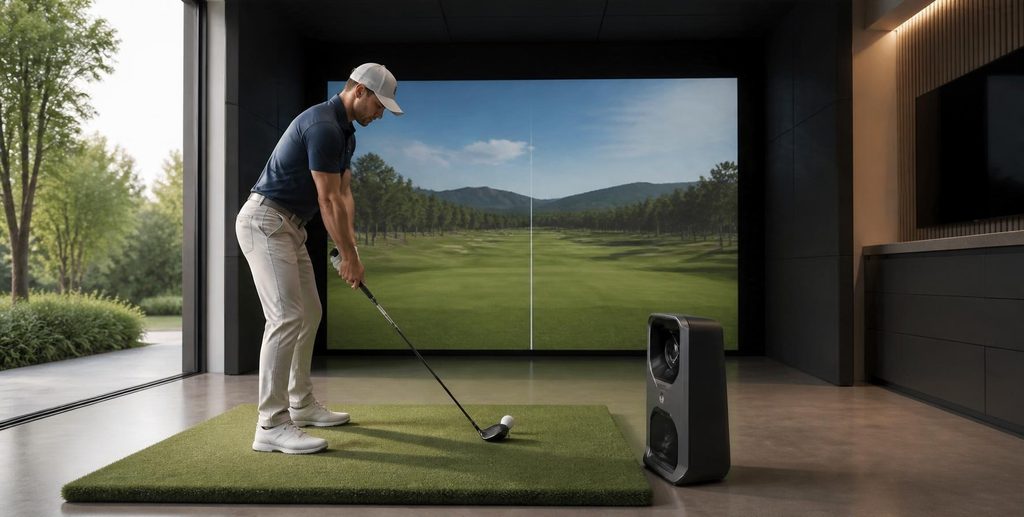
The launch monitor has a big effect on your simulator experience. It determines how your shots are measured and what information you’ll see after each swing.
Most indoor launch monitors use one of two technologies: camera-based or radar-based.
- Camera-based launch monitors use high-speed cameras to capture the ball and, depending on the model, club movement around impact. Some sit beside the hitting area, while others are mounted overhead.
- Radar-based launch monitors use radar to track ball movement. Depending on the model, they may need more space around the hitting area to measure shots properly.
Neither technology is automatically better. The right choice depends on your available space, budget, and what you want to get out of the simulator.
For example, if you mainly want to play virtual courses, you may not need every advanced club measurement. But if you’re using the system to work on your swing, more detailed shot data could be useful.
Accuracy matters. Look at independent reviews, check how the device performs indoors, and find out whether it requires special lighting or marked balls.
Some models worth comparing include the SkyTrak, Garmin Approach R50, Uneekor EYE MINI LITE, Foresight Sports GC3, and Bushnell Launch Pro. Each has different features and setup requirements, so take time to compare them before making a decision.
3. Don’t overlook the simulator software
The launch monitor measures your shots, but the software is what turns those measurements into a golf experience.
Some platforms let you play virtual versions of real golf courses. Others focus more on driving range sessions, shot analysis, and practice games.
Think about how you plan to use your simulator.
Do you want to play full rounds with friends? Work on your swing? Or spend time at the virtual driving range?
Popular options include GSPro, E6 CONNECT, and TGC 2019. Each offers different features and course selections, so check which one supports your preferred launch monitor.
It’s also worth looking at the additional costs. Some software platforms require a separate license or subscription, while certain courses and features may cost extra.
4. Pay attention to the hitting mat and impact screen
It’s easy to focus on the launch monitor and forget about the surfaces you’ll use every time you play.
A hitting mat affects how your clubs interact with the ground. A poor-quality mat can feel uncomfortable or wear down with regular use. Look for one with a stable base and a surface that suits your practice needs.
Some mats have different hitting surfaces or replaceable hitting strips, which can be useful if you plan to practice frequently.
The impact screen deserves attention. If you’re planning a projected setup, choose one designed to handle repeated golf ball strikes. Its material, size, and placement can affect both durability and image quality.
Don’t have room for an impact screen?
A hitting net is another option. You can still use a launch monitor and view your shot data on a separate screen or device. It may not offer the same immersive experience, but it can work well in a smaller space.
5. Think about the projector and display
A projector can make a home golf simulator feel more like an actual golf environment by displaying the virtual course on a large screen.
But choosing one involves more than looking at image quality. You’ll need to consider your:
- Room’s lighting
- Distance between the projector and screen
- Where the unit can be mounted.
Short-throw projectors are often considered for simulator rooms because they can produce a large image from a shorter distance.
Resolution and brightness matter, too. A clearer image makes course details easier to see, while sufficient brightness helps keep the picture visible in your room’s lighting conditions.
Of course, a projector isn’t essential for every setup. A television, computer monitor, or tablet may be enough if you’re mainly interested in practicing and reviewing shot data.
6. Set a realistic budget
The launch monitor is only one part of the total cost.
You’ll also need to account for the hitting mat, net or impact screen, software, and display equipment. A more complete setup may require an enclosure, projector, dedicated computer, and mounting equipment.
Software costs can add up. Some platforms require ongoing subscriptions, while others charge extra for certain courses or features.
Before buying, make a list of everything you’ll need.
Compare the cost of purchasing individual components with complete simulator packages, and check what’s actually included. You don’t have to buy everything at once, either. Starting with the essentials and upgrading later can be a sensible way to build your setup.
Entry-Level, Mid-Range, or Premium: Which Setup Is Right for You?
Once you’ve considered your room and the features you want, you can start looking at different setup levels.
An entry-level setup might include a portable launch monitor, hitting mat, net, and phone or tablet display. It’s generally more focused on practice than creating a full virtual golf experience.
A mid-range setup may include a more advanced launch monitor, simulator software, a better-quality mat, and an impact screen or projector. This can be a good option if you want to practice and play virtual courses regularly.
A premium setup is closer to having a dedicated indoor golf space. It may include an advanced launch monitor, full enclosure, impact screen, projector, and computer system.
These categories aren’t fixed price brackets. Equipment and package prices vary, and a more expensive setup isn’t necessarily the right one for every golfer.
Should You Buy a Complete Package or Build Your Own Setup?
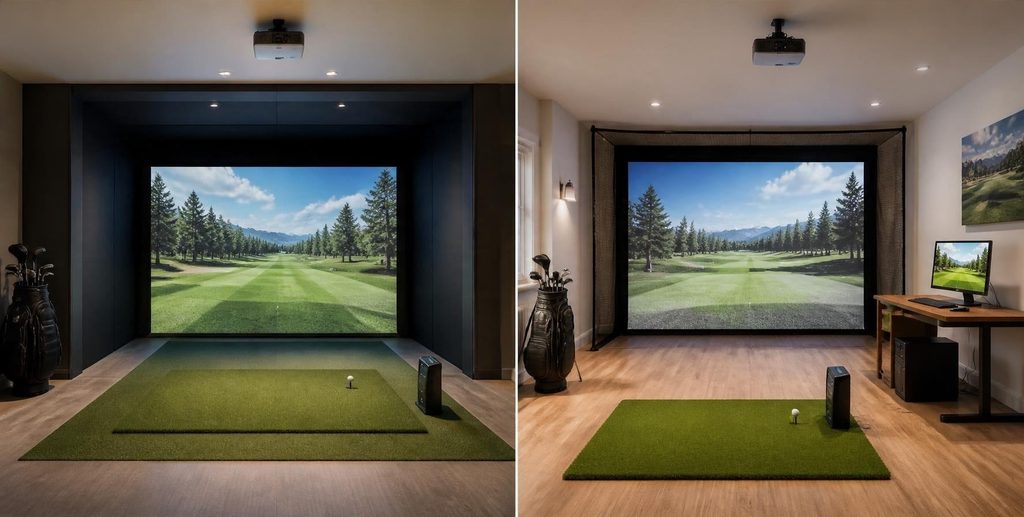
You can either purchase a complete golf simulator package or choose each component separately.
A package can make the buying process easier, especially if you’re new to simulator equipment. The components are usually selected to work together, so you may spend less time checking compatibility.
Building your own setup gives you more control. You can choose the launch monitor and software you prefer, spend more on the components that matter most, and upgrade individual parts over time.
The main trade-off is convenience versus flexibility.
If you want a simpler buying process, a complete package may be a good starting point. If you already know what you need, building your own setup gives you more room to customize.
Common Mistakes to Avoid When Buying a Home Golf Simulator
Even after comparing different systems, it’s easy to overlook a few things.
Here are some common mistakes to watch out for:
- Buying equipment before measuring the room. Check your available space and swing clearance first.
- Focusing only on the launch monitor. The mat, screen, and software also affect your experience.
- Paying for features you won’t use. Choose equipment based on your goals rather than the number of features it offers.
- Ignoring compatibility and extra costs. Check software support, subscriptions, and additional equipment before buying.
Final Thoughts: How to Choose the Best Home Golf Simulator
The best home golf simulator isn’t necessarily the most expensive or advanced one. It’s the setup that fits your space, budget, and reasons for playing.
Start by measuring your room and deciding whether you want to focus on practice, virtual rounds, or both. From there, compare launch monitors, software, and the other equipment you’ll need.
You don’t have to build a professional-grade golf room to enjoy having a simulator at home. Start with what makes sense for you, and leave room to upgrade as your needs change.
What did you think?
Tap a reaction — no need to write anything.
Thanks for letting us know!
Interested in this?
Leave your details and tell us which applies.

Comments are closed.